Join our Discord
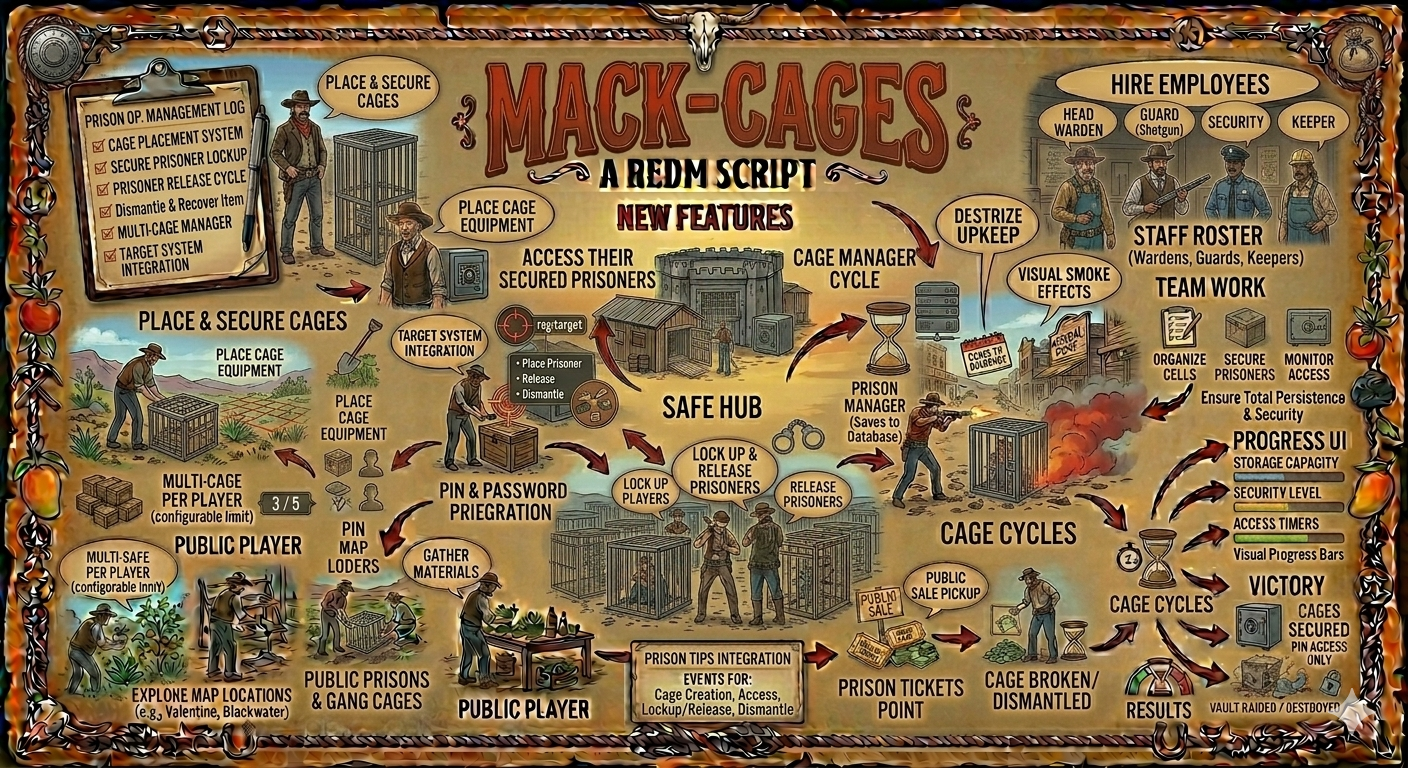
A RedM script that allows players to place prison cages and lock up other players.
## Description
This script enables a prison/gang system where players can:
- Place cage equipment in the world
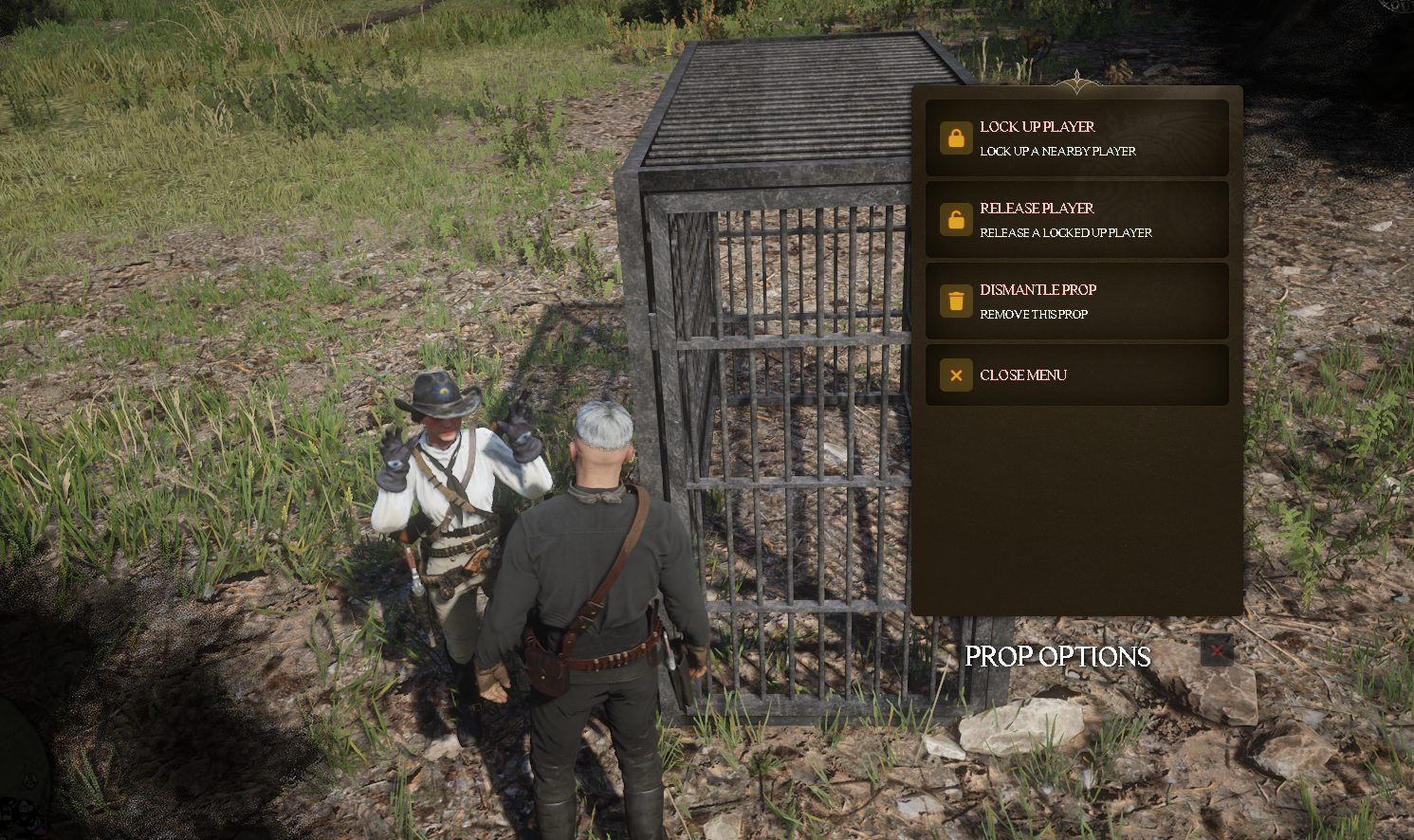
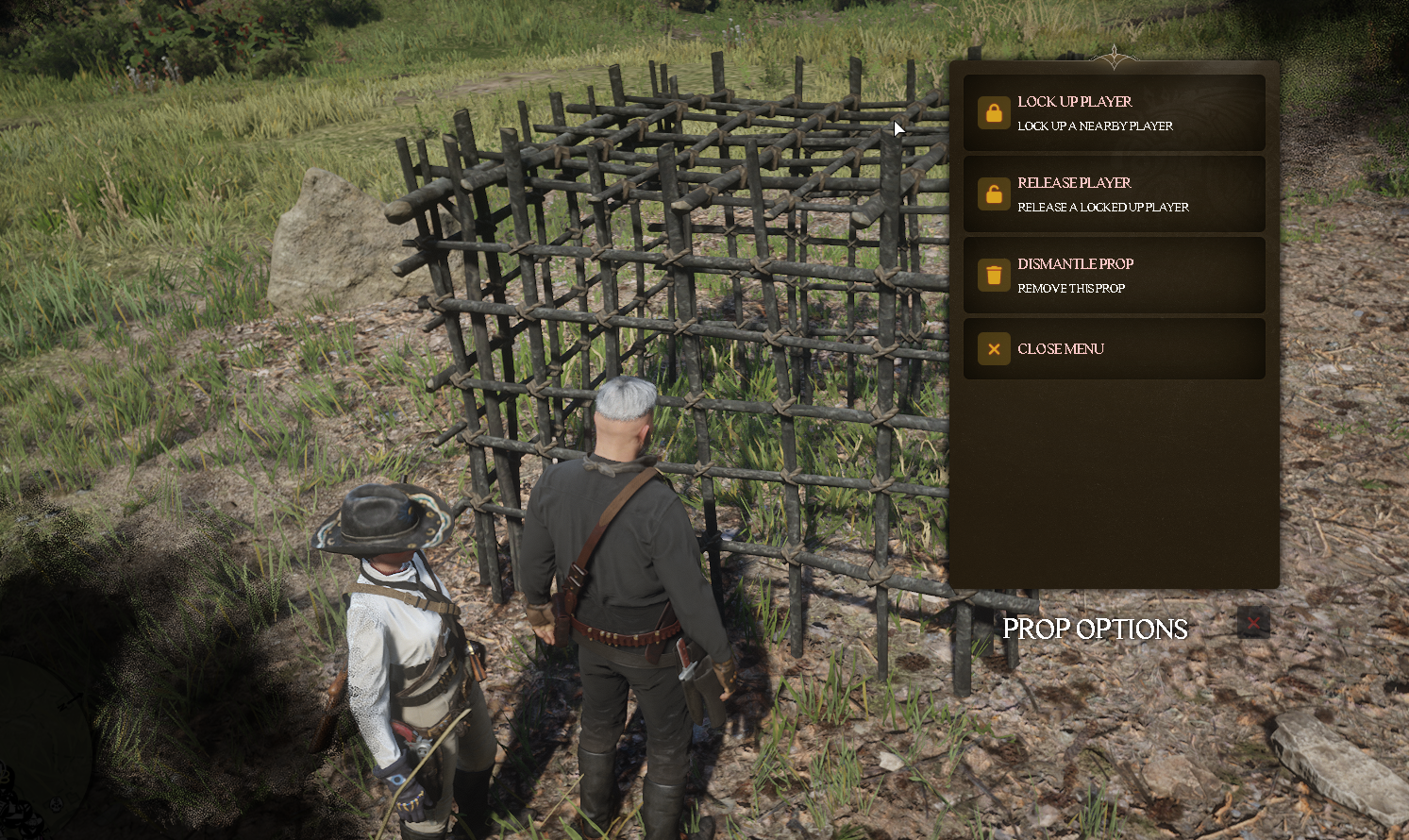
- Lock up nearby players inside cages
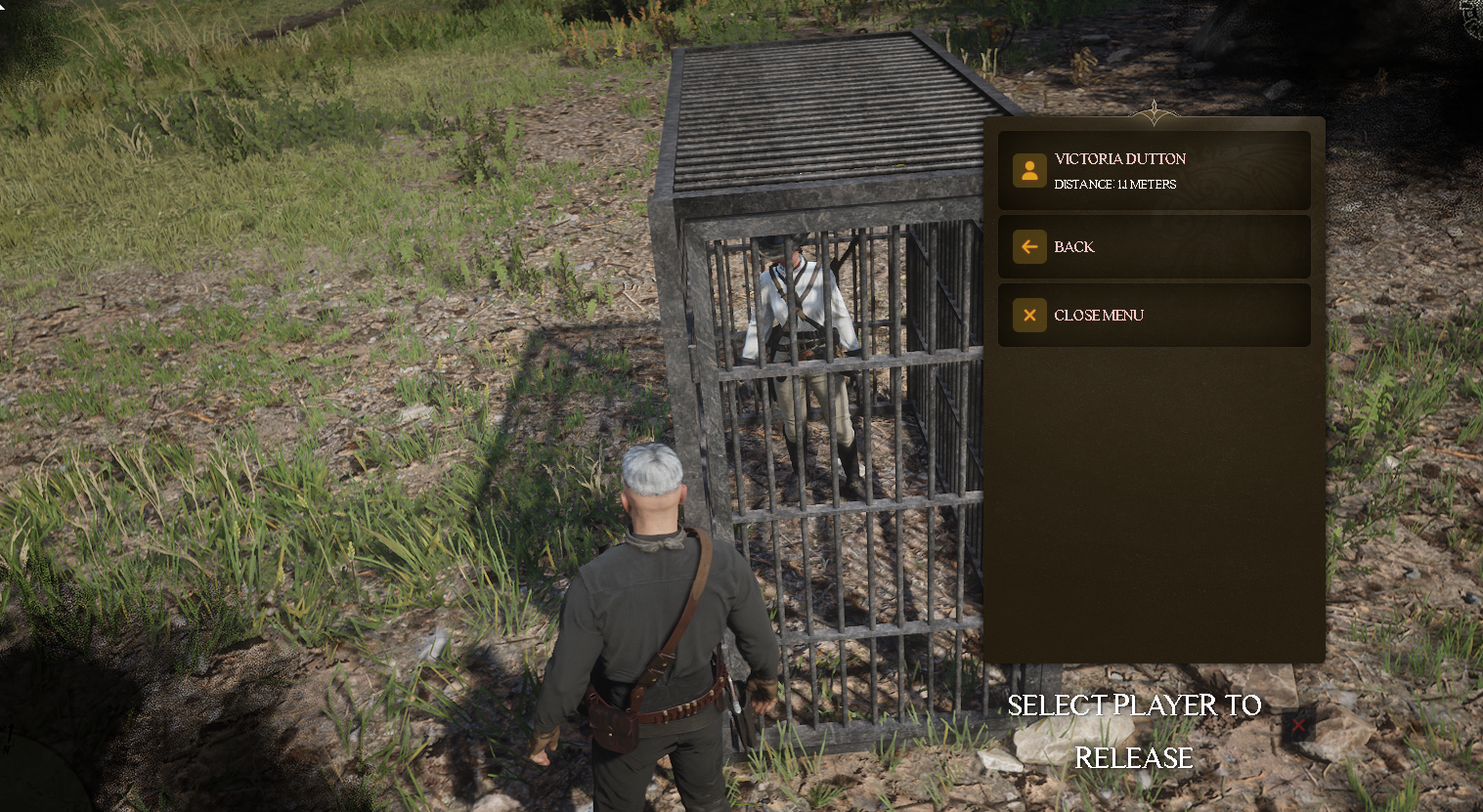
- Release prisoners from the cage
- Dismantle placed cages to recover the item
Only the player who placed the cage can interact with it (lock up, release, or dismantle).
## Features
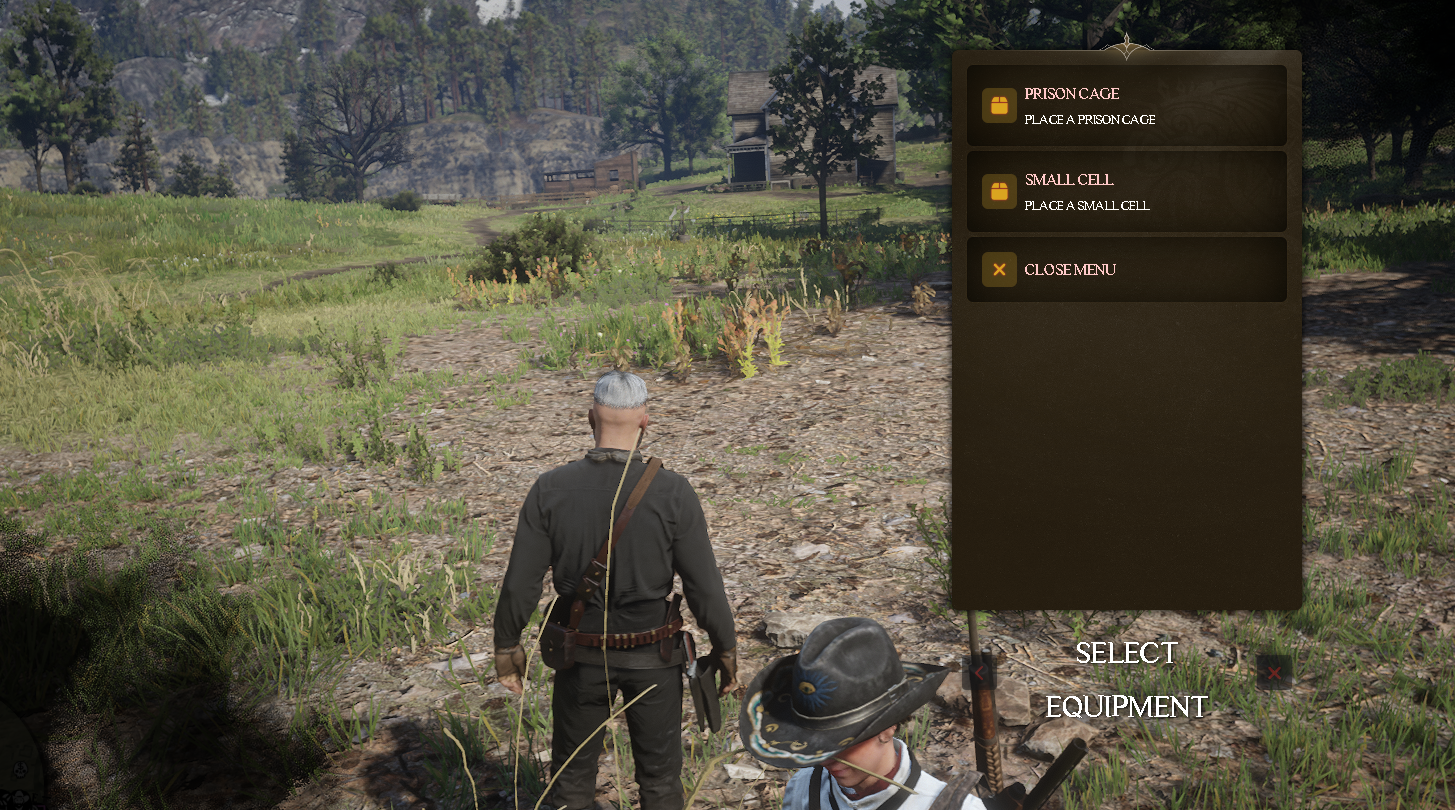
- **2 Cage Types**: Prison Cage and Small Cell
- **Owner-Only Access**: Only the player who placed the cage can use it
- **Player Lockup**: Teleport nearby players into the cage
- **Player Release**: Release prisoners back to the cage location
- **Item Recovery**: Dismantle cages to get your item back
- **Target Menu**: Easy interaction via rsg-target
## Installation
### Prerequisites
This script requires the following dependencies:
- **rsg-core** - Core framework
- **ox_lib** - UI library
- **rsg-target** - Target/interaction system (used in client.lua)
### Database Setup
Execute the SQL file in your database:
```sql
-- Run: installation/mack-gangequip.sql
CREATE TABLE IF NOT EXISTS `gang_props` (
`id` int(11) NOT NULL AUTO_INCREMENT,
`citizenid` varchar(50) DEFAULT NULL,
`properties` text NOT NULL,
`propid` int(11) NOT NULL,
`prop_type` varchar(50) DEFAULT NULL,
PRIMARY KEY (`id`)
) ENGINE=InnoDB AUTO_INCREMENT=1 DEFAULT CHARSET=utf8mb4 COLLATE=utf8mb4_general_ci;
```
### Required Items
Add this item to your inventory/items.lua:
```lua
['cage'] = {
name = 'cage',
label = 'Cage Equipment',
weight = 1000,
type = 'item',
image = 'cage.png',
unique = false,
useable = true,
shouldClose = true,
description = 'Equipment for placing prison cages.'
},
```
### Configuration
Edit `config.lua` to customize:
- `ForwardDistance` - Distance in front of player to place prop (default: 2.5)
- `PropOptions` - Add/edit cage types and their models
### Start Order
Add to your `server.cfg`:
```
ensure mack-cage
```
Ensure it loads after all dependencies.
## Usage
1. Obtain a cage item from your inventory
2. Use the cage item to open the equipment menu
3. Select which cage type to place
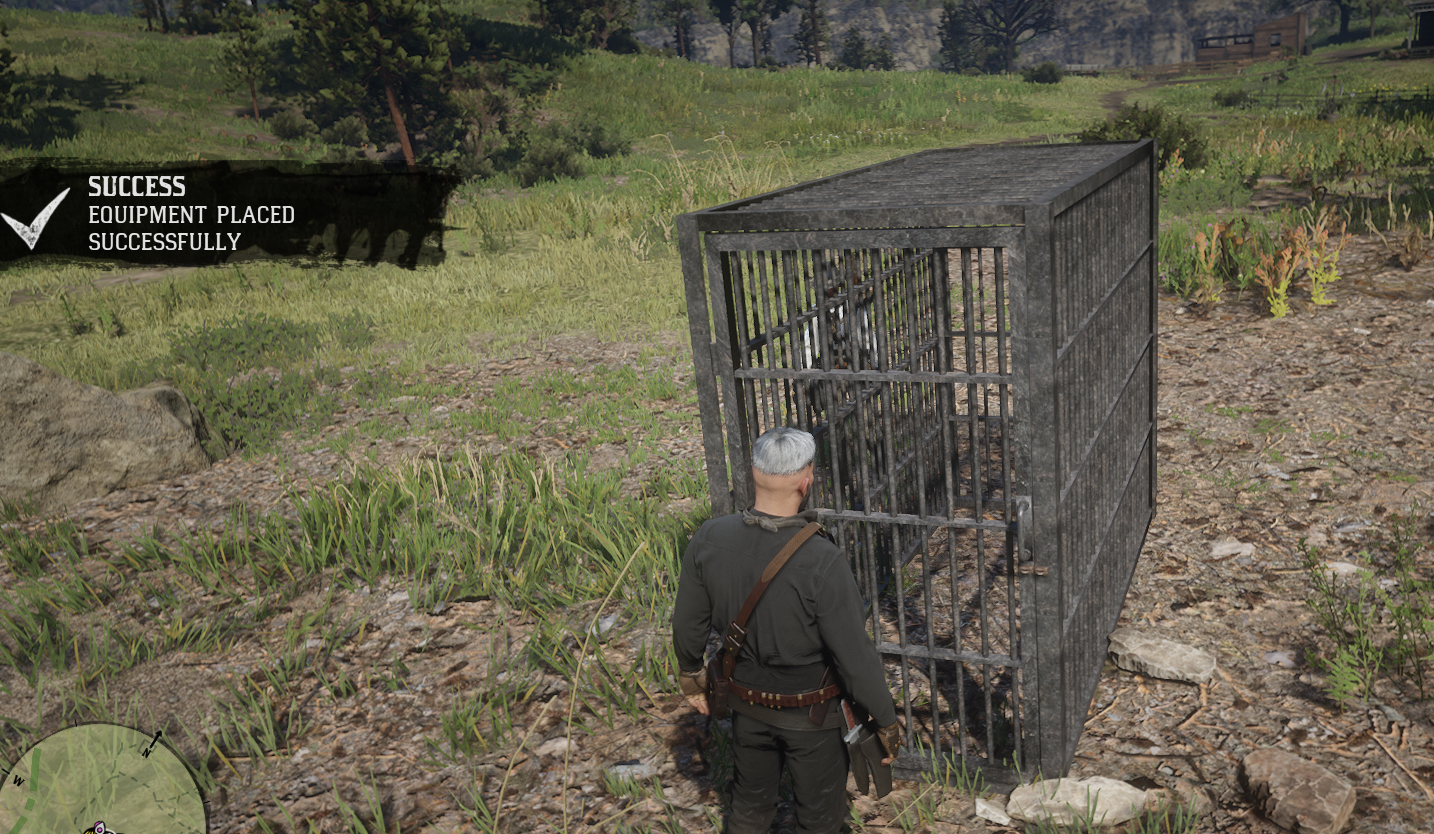
4. The cage will be placed in front of you
5. Approach the cage and use the target menu:
- **Lock Up Player** - Select a nearby player to teleport into the cage
- **Release Player** - Release a prisoner back to the cage location
- **Dismantle Prop** - Remove the cage and recover your item