
 Join our Discord
Description: This is a group/gang management system for RedM (Red Dead Redemption 2 multiplayer) that allows players to: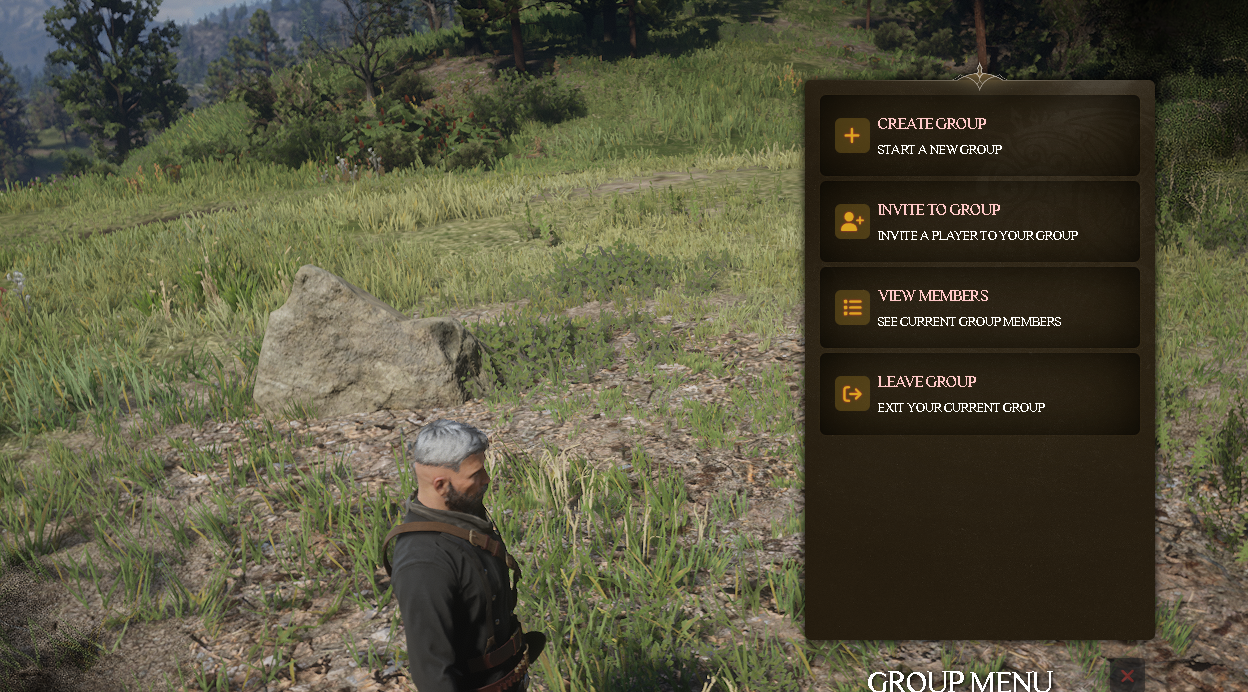
- Create groups/gangs
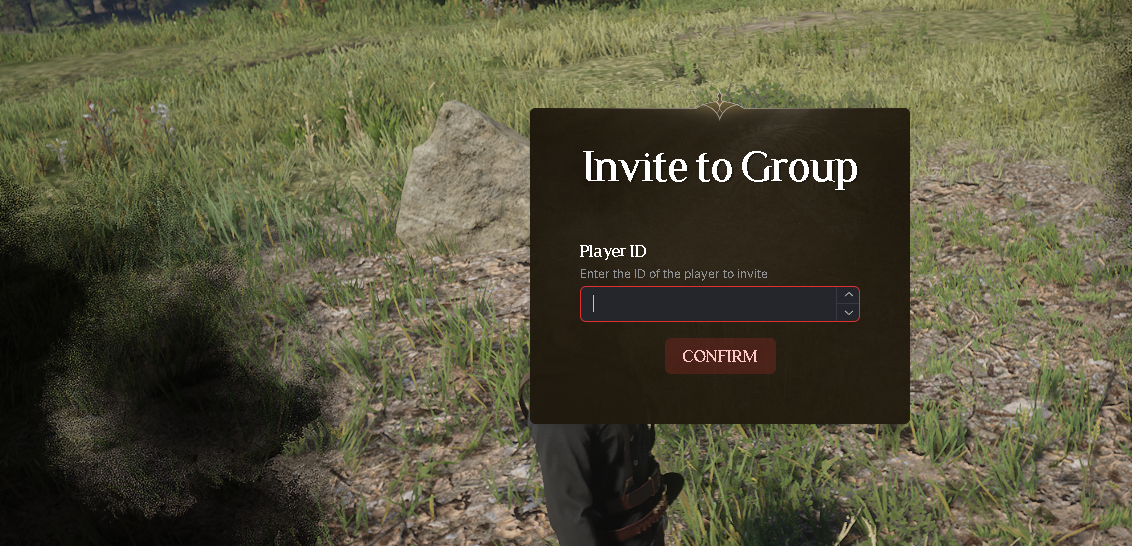
- Invite other players
- Manage group members
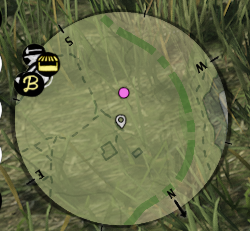
- See group members on the map with blips
- Remove members from groups
- Group leader controls
Dependencies:
- RSG-Core (RedM framework)
- ox_lib (for menus and UI)
- MySQL database
- rNotify (for notifications)
Database Requirements: The script uses two main tables:
playerstable with columns:- citizenid
- gangid
- charinfo
gangtable with columns:- id
- characterid
- gangname
Configuration Options (config.lua):
luaCopyConfig.Blips = {
    DefaultBlipColor = `BLIP_MODIFIER_MP_COLOR_1`, -- Default white color
    DefaultBlipSprite = GetHashKey("blip_ambient_ped_medium"), -- Blip icon
    DefaultBlipScale = 0.2 -- Size of blip on map
}
How to Use:
- Players can use
/groupcommand to open the group menu - Menu options include:
- Create Group
- Invite to Group
- View Members
- Leave Group
Key Features:
- Real-time Blip Updates:
- Member positions update every 15 seconds
- Blips are color-coded by group
- Only shows group members' positions
- Group Management:
- Leaders can remove members
- Members can leave groups
- Groups persist in database
- Automatic blip cleanup when members leave
- Invitation System:
- Players can invite by ID
- Invitees receive notification
- Accept/decline options
- Performance Optimizations:
- Position updates are throttled
- Blip updates are batched
- Error handling for disconnects
Future Improvements:
- Add configuration for:
- Update intervals
- Maximum group size
- Custom blip colors per group
- Permission levels within groups
- Add features like:
- Group chat
- Shared resources
- Group objectives
- Hierarchy system