
 Join our Discord
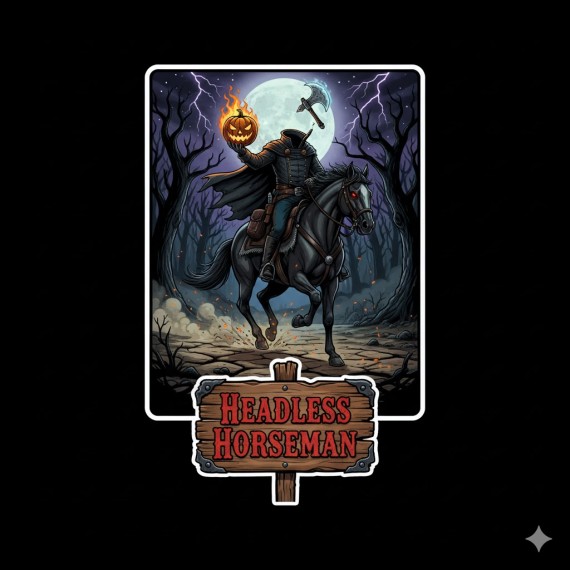
# rsg-headless-horseman
Headless Horseman dynamic event for RedM using rsg-core and ox_lib.
Features
- Night-only spawn window
- Server-wide announcements via ox_lib
- Dynamic bounty system that scales with “souls” (player kills) collected by the Horseman
- Controller-based spawn to avoid duplicate entities
- Basic chase AI and despawn timer
Requirements
- rsg-core
- ox_lib
- OneSync enabled is recommended
Installation
1) Move the folder rsg-headless-horseman into your server resources directory (e.g., server-data/resources/[rsg]/rsg-headless-horseman).
2) Ensure rsg-core and ox_lib start before this resource in server.cfg:
ensure ox_lib
ensure rsg-core
ensure rsg-headless-horseman
3) Configure models, weapon, and spawn locations in config.lua. The default models are placeholders and may not exist in your build. Replace Config.PedModel and Config.HorseModel with valid RedM model names.
Configuration Highlights (config.lua)
- Config.NightHours: Set the night window during which the event can spawn.
- Config.SpawnIntervalMinutes: Cooldown between events.
- Config.EventDurationMinutes: Auto-despawn if not killed within this duration.
- Config.BaseBounty / Config.BountyPerSoul: Payout values.
- Config.SpawnLocations: Add real map coordinates where the Horseman can appear.
- Config.FlamingHorseFX: Flaming hooves effect using Zeus-style ConfigFlag method.
- Config.GhostAlpha: Transparency level for ghostly appearance (120-180 recommended).
- Config.GhostGlow: Enable ethereal glow effect for supernatural look.
- Config.GhostSmokeFX: Add misty atmospheric effects around the ghostly entities.
How it works
- Clients periodically check if it’s night and request the server to spawn the event if inactive.
- The server selects a controller (the first requesting player), picks a random location, and broadcasts the event.
- Only the controller client spawns and manages the Horseman and horse entities. All players receive announcements and (optionally) a map blip.
- When the Horseman kills a player, the server increments “souls,” increasing the bounty.
- When the Horseman dies, the controller reports the killer to the server, which pays out using rsg-core.
Notes and caveats
- Model, weapon, and FX names are highly build-dependent. Ensure they exist on your server.
- The AI and combat behavior are intentionally simple for stability. Tune Config.* values to your needs.
- If the controller disconnects while the event is active, the event currently ends to avoid orphaned entities. You can extend this to reassign control.
Admin commands
- hhr_start [index] — Force start the event immediately. Optional index selects a spawn from Config.SpawnLocations (1-based).
- hhr_stop — Force stop the event.
Permissions (ACE)
Add to your server.cfg (or appropriate ACL file) to allow admins:
add_ace group.admin hhr.admin allow
add_principal identifier.steam:YOURSTEAMHEX group.admin
Troubleshooting
- No spawn? Verify it’s within the configured night hours and that ox_lib/rsg-core are running.
- Models fail to load? Replace Config.PedModel/Config.HorseModel with known-valid models.
- No notifications? Ensure ox_lib is correctly installed and that the resource starts after ox_lib.
- Can’t use commands? Ensure your ACE permissions include hhr.admin or run from server console.