
 Join our Discord
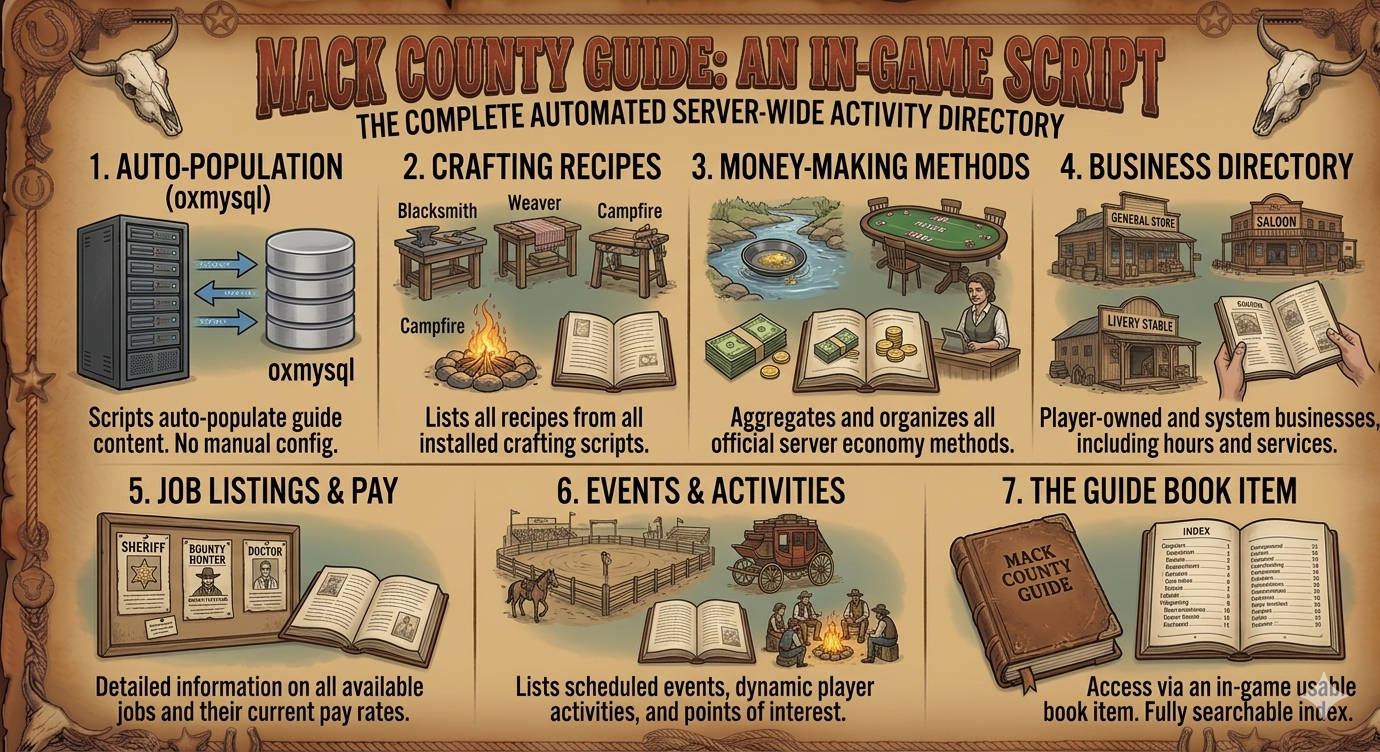
Mack County Guide -
An in-game guide book featuring all server crafting recipes, money-making methods, businesses, jobs, events, and activities. Fully auto-populated from your server scripts.
Video : https://medal.tv/games/red-dead-2/clips/mMMtHZ2LOWFsyqxxM?invite=cr-MSw2dWksMTkxMDIwMzU5
# Mack County Guide
An in-game guide book for RedM servers using **rsg-core**. Displays all server features, crafting recipes, how-to guides, and more in a clipboard-style UI.
---
## Auto-Generating the Guide from Your Scripts
You can automatically populate the guide config by pointing opencode at a folder containing all your mack-scripts. It will scan every script's config files and extract recipes, features, how-to steps — just like we did.
### Prerequisites
- [opencode](https://opencode.ai) installed on your machine
- All your scripts (or any rsg-core scripts) in a single folder
### How It Works
```
Your Scripts Folder (e.g. C:\Server\scripts)
├── mack-blacksmith-v2\
├── mack-alcoholcraft-v2\
├── mack-farmcraft-v2\
├── mack-herbcraft-v2\
├── mack-coalcompany\
├── mack-lumbercompany\
├── ... all other scripts
```
Run **one command** inside the guide project folder:
```
opencode "Scan all scripts in C:\Server\scripts, read every config.lua, and update the config.lua for "mack-guide" with all crafting recipes, features, how-to steps, rewards, NPCs, and job requirements as guide pages matching the existing config.lua structure"
```
### What It Does
| Step | Action |
|------|--------|
| 1 | Reads every `config.lua` (and related files) in your scripts folder |
| 2 | Extracts crafting recipes, ingredients, features, rewards, NPC vendors, job locks |
| 3 | Maps them into the correct categories in mack-guide `config.lua` |
| 4 | Adds new categories/pages for any scripts not previously covered |
| 5 | Preserves any existing manual edits |
### Example
In your guide folder (`C:\mack-guide\`):
```
opencode "Scan all scripts in C:\Server-Scripts and update config.lua with their crafting recipes, features, and how-to guides"
```
opencode will:
- Recursively find all `config.lua` files
- Identify recipe tables, feature lists, job requirements
- Format them into the guide's config structure
- Write the updated `config.lua`
---
## Manual Structure Reference
If you prefer to write entries by hand, here is the format:
```lua
Config.ServerInfo = {
{
category = "Category Name",
icon = "icon.png",
pages = {
{
title = "Page Title",
kit = "Required Item/Kit",
description = "What this is about",
recipes = {
{name = "Item Name", ingredients = {"Ingredient x1", "Other x2"}},
},
features = {
"Feature as bullet point",
},
howto = {
"1. Step one",
"2. Step two",
},
items = {
{name = "Item", use = "What it does"},
},
npcs = {
{name = "NPC", buys = "What they buy"},
},
rewards = "Reward text",
tips = "Tip text",
},
},
},
}
```
---
## Commands
| Command | Description | Permission |
|---------|-------------|------------|
| `/guide` | Open the guide book | Everyone |
| `/updateguide` | Open editor mode | Admin jobs only |
---
## Customization
- **Item name:** change `Config.ItemName` in `config.lua`
- **Admin jobs:** change `Config.AdminJobs` list
- **UI theme:** edit `html/style.css` — ink color `#1a1510`, accent `#3e3226`